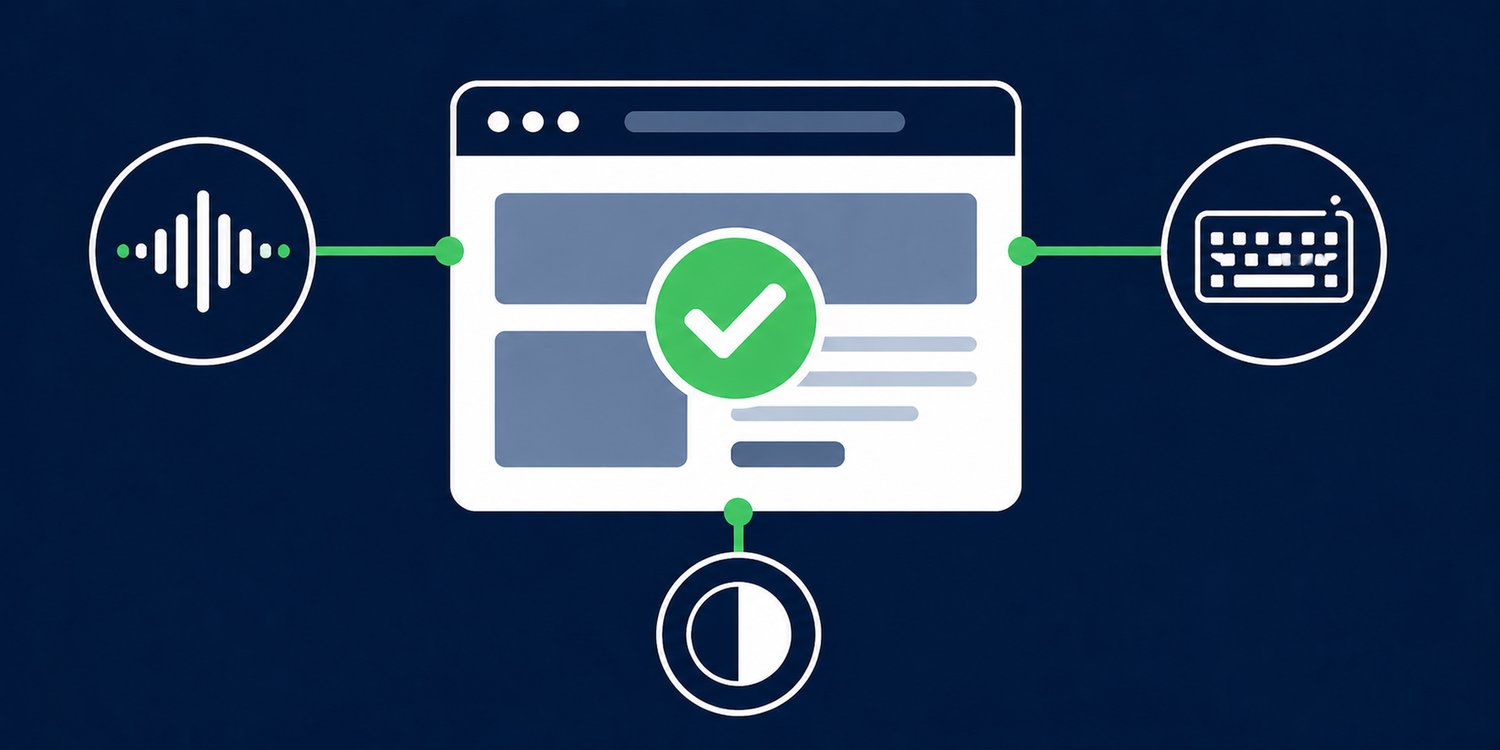
ADA lawsuits targeting small business websites have been rising steadily for nearly a decade. In 2024 alone, thousands of demand letters were sent to businesses whose websites couldn't be navigated by screen readers, couldn't be used with keyboard-only navigation, or had images with no alt text. Most of those businesses had no idea they were exposed. Ohio small business owners, including contractors and service companies in communities like Dublin and Marysville, are not exempt because they're small or local.
1. What ADA Website Compliance Actually Means
The Americans with Disabilities Act requires that businesses serving the public make reasonable accommodations for people with disabilities. Courts have increasingly ruled that websites are covered under this requirement. The technical standard most courts and compliance frameworks reference is WCAG 2.1, Web Content Accessibility Guidelines published by the W3C. Meeting WCAG 2.1 Level AA is the practical target for most small businesses. It addresses the most common barriers without requiring exotic or expensive changes.
2. The Most Common Violations
The most frequent accessibility failures on small business websites are: missing or generic alt text on images (screen readers read "image" or nothing at all), insufficient color contrast between text and background, forms without labeled inputs, missing keyboard navigation (every interactive element must be reachable without a mouse), and videos without captions. Any of these can be the basis for a demand letter. Most are fixable in a single round of development work once they're identified.
3. How Accessibility Overlaps With SEO
Alt text for images isn't just an accessibility requirement, it's an SEO signal. Labeled form fields and clear heading structure improve how Google crawls and understands your content. Fast load times also improve screen reader usability. A well-structured, hand-coded site that follows semantic HTML standards is far more likely to pass an accessibility audit than a page-builder site with DIY styling and unstructured markup. Accessibility and SEO are often working toward the same underlying standard: clear, structured, fast, and usable.
4. How to Check Your Current Exposure
Run your site through the WAVE Accessibility Tool at wave.webaim.org, it's free and flags most common WCAG violations with plain-language explanations. Google Lighthouse, built into Chrome DevTools, also includes an Accessibility audit alongside the Performance score. These tools won't catch every issue, since true accessibility testing requires manual review with a screen reader, but they'll surface the biggest vulnerabilities and give you a prioritized list to work through. For service businesses in Hilliard or Delaware, clearing the WAVE errors is a meaningful first step.
5. The Risk Isn't Only Legal
Beyond the legal exposure, an inaccessible website silently excludes a segment of potential customers: people with visual impairments, motor disabilities, or situational limitations like bright sunlight, one-handed use, or aging vision. The CDC estimates that 26% of American adults live with some form of disability. Making your site more usable for that audience isn't charity, it's revenue you're currently leaving on the table.
Accessibility Is a Standard, Not an Add-On
Treating accessibility as an afterthought, something to address only after receiving a demand letter, is the wrong frame. A well-built website is accessible by design: structured markup, descriptive alt text, logical heading hierarchy, sufficient color contrast, labeled forms. These aren't extras. They're the baseline for a professional, functional website.
If you'd like to know where your site stands, we can run an accessibility audit alongside your performance review and show you exactly what needs attention.