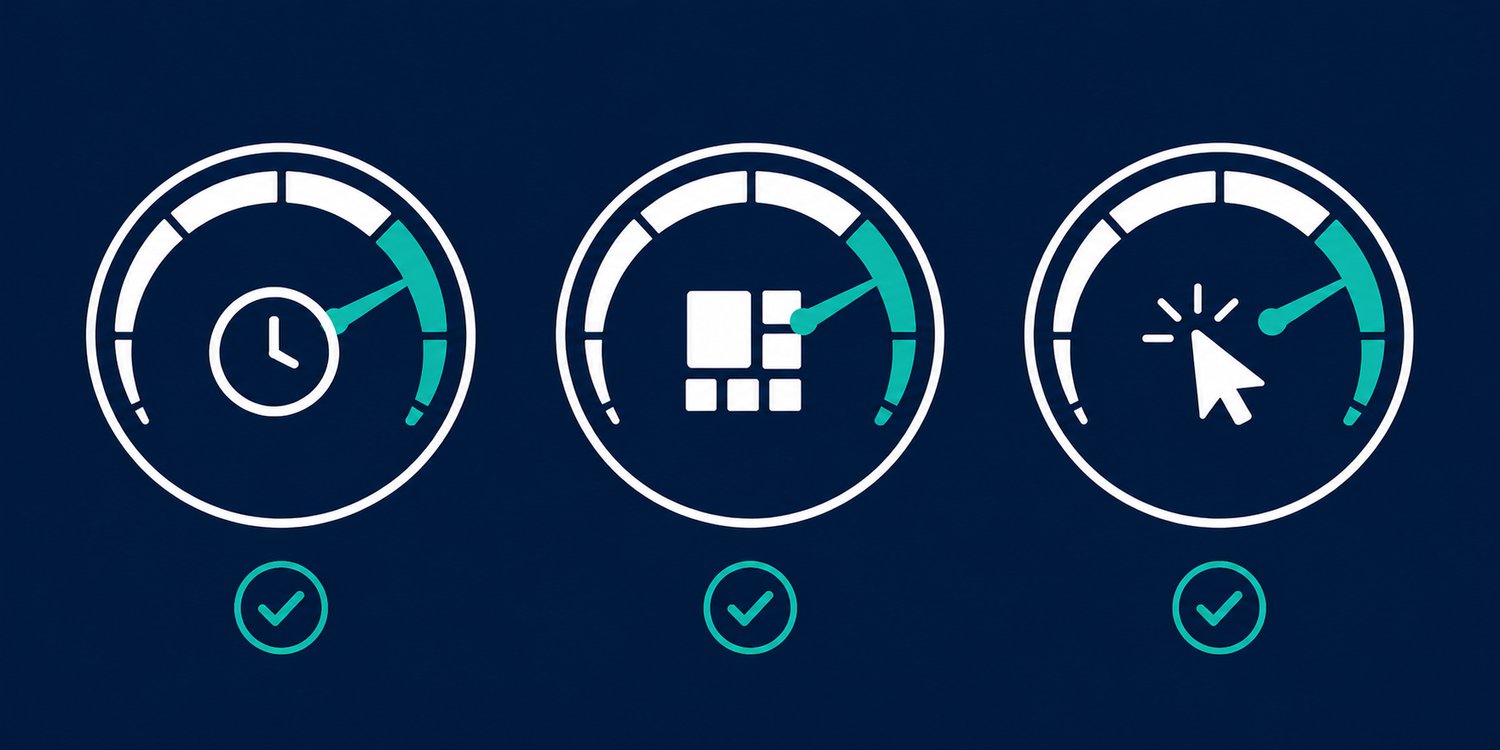
Google doesn't rank websites by how pretty they look, it ranks them in part by how well they perform for the user. Core Web Vitals are three specific performance metrics Google uses in its ranking systems. Understanding what they measure, and why they matter, is a practical first step in evaluating whether your site is giving visitors a good experience.
1. Largest Contentful Paint (LCP): How Fast Does Your Page Load?
LCP measures how long it takes for the largest visible element on the page, usually a hero image or headline, to appear after a user clicks your link. Google's benchmark is under 2.5 seconds. Above 4.0 seconds is a failing score. For a plumber in Delaware or an HVAC company in Marysville, a slow LCP means visitors see a blank screen or loading spinner before they ever see your phone number. Most builder-based websites score 4–8 seconds on mobile LCP. Custom-coded, image-optimized sites typically score under 1.5.
2. Cumulative Layout Shift (CLS): Does Your Page Jump Around?
CLS measures visual stability, how much elements on the page shift position while it's loading. If you've ever gone to click a button on a website and the page suddenly moved so you clicked the wrong thing, that's a high CLS. Google penalizes this because it directly degrades user experience. Common causes: images without defined dimensions, late-loading ads or embeds, and web fonts swapping in after text renders. A CLS score below 0.1 is good; above 0.25 is a failing grade.
3. Interaction to Next Paint (INP): How Responsive Is Your Page?
INP replaced First Input Delay as the interactivity metric in 2024. It measures the delay between a user's interaction, a click, a tap, a keypress, and the visual response on screen. Heavy JavaScript, bloated page builders, and too many third-party scripts (chat widgets, review embeds, tracking pixels) all inflate INP. A site with a slow INP feels unresponsive and sluggish even if it loaded quickly. Under 200 milliseconds is Google's target; above 500 milliseconds is a failing score.
4. How to Check Your Scores
Go to PageSpeed Insights (pagespeed.web.dev) and enter your URL. You'll see mobile and desktop diagnostics, including Core Web Vitals data when enough real-user data is available, plus an overall Performance score. Google uses mobile-first indexing, so the mobile experience deserves close attention. Use the report to find concrete problems for visitors, not as a single-number prediction of ranking success.
5. What Actually Moves the Needle
Improving Core Web Vitals requires addressing root causes, not applying patches. For most local service sites, the biggest gains come from converting images to modern formats (WebP or AVIF), serving properly sized images for each screen width, eliminating unused JavaScript, reducing plugin count, and hosting on a fast CDN. These aren't incremental tweaks, they're structural decisions that hand-coded sites get right from day one rather than retrofitting later.
Numbers Don't Lie
Core Web Vitals are one of the few places where Google tells you exactly how your site is performing and where it's failing. Most business owners never look. The ones who do, and act on what they find, build a ranking advantage that compounds over time. It's not magic. It's maintenance.
Want to know where your site stands? Run your URL through PageSpeed Insights, then explore the web-design services that can help address what is worth fixing first.